Short-form video content is everywhere now. Whether you’re posting TikToks, Instagram Reels, YouTube Shorts, or even simple family edits, there’s a good chance you’ve heard of CapCut.
It exploded in popularity because it gave regular users access to editing tools that once felt “pro-level” without needing a laptop or expensive software. But lately, people have started complaining about bugs, paywalls, ads, and battery drain. So, is CapCut still worth downloading?
Here’s my honest CapCut Android App Review after looking at the app itself and what real users are saying online.
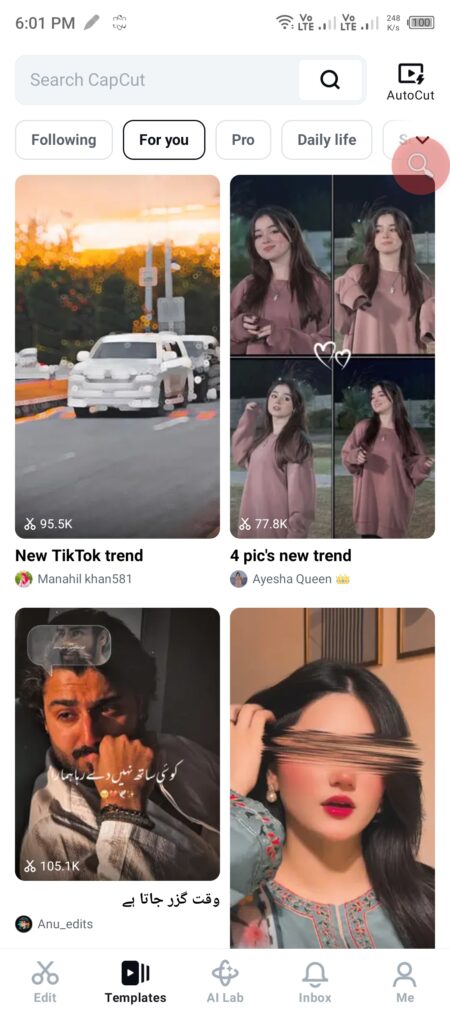
First Impressions & User Interface
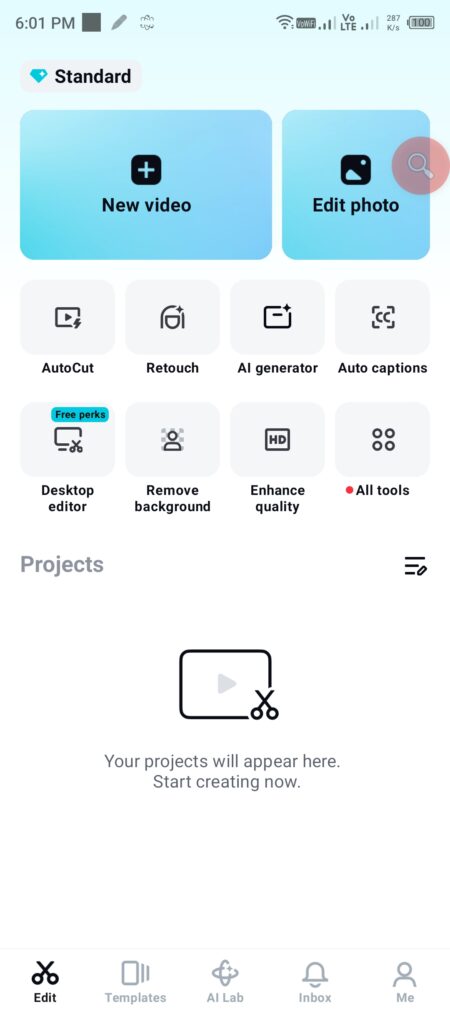
The first thing CapCut gets right is simplicity.
You open the app, tap “New Project,” add your clips, and start editing immediately. There’s no confusing setup process, and most tools are clearly labeled at the bottom of the screen.
Even if you’ve never edited a video before, CapCut feels approachable. That’s a huge reason why it became so popular with beginners and casual creators.
The design is clean and modern. Animations are smooth, and the timeline editing system is surprisingly good for a phone app. Trimming clips, adding text, transitions, or music takes just a few taps.
That said, the interface has become more crowded over time.
You’ll notice constant pushes toward CapCut Pro. Some effects, transitions, and export settings are locked behind a subscription now, which can get frustrating fast. A lot of users feel the free version was far better a couple of years ago.
Key Features That Make CapCut Popular
1. Easy Timeline Editing
This is probably CapCut’s biggest strength.
The drag-and-drop timeline is smooth, responsive, and beginner-friendly. You can split clips, layer audio, add overlays, and rearrange scenes without needing editing experience.
Compared to many Android editing apps, CapCut feels less clunky and more polished.
2. Auto Captions
Auto captions are incredibly useful if you make talking videos for TikTok or YouTube Shorts.
CapCut automatically generates subtitles, and honestly, the accuracy is pretty decent most of the time. You can also customize fonts, colors, animations, and timing.
For creators who post daily content, this feature alone saves a ton of time.
3. Trending Effects and Templates
CapCut stays connected to social media trends better than most editors.
You’ll find viral templates, transitions, beat-sync effects, and filters that are designed specifically for short-form content. That’s one reason creators keep coming back to it.
The downside? Many of the best templates and effects are now marked “Pro.”
4. AI Features
CapCut has added several AI tools recently, including:
- Background removal
- AI-generated captions
- Text-to-speech
- Motion tracking
- Auto cutout tools
Some work surprisingly well on Android phones. Others feel inconsistent depending on your device performance.
Older phones especially may struggle during rendering or exporting.
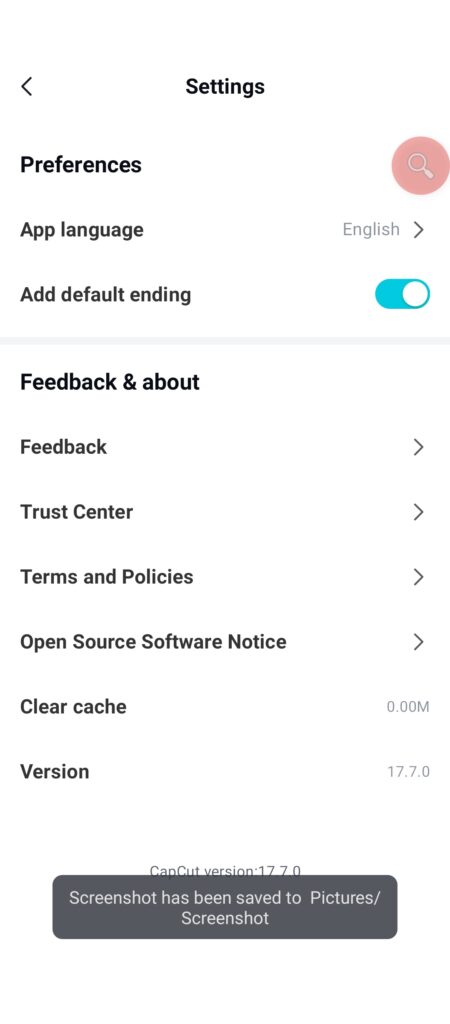
Performance on Android Phones
This is where the experience becomes mixed.
On newer Android devices, CapCut generally runs smoothly. Editing 1080p videos is manageable, and exports are reasonably fast.
But once projects become heavier, things can go downhill quickly.
Real users on Reddit have reported:
- Random crashes during exports
- Freezing while editing large projects
- Audio sync issues
- Lag after long editing sessions
- Lost project files after updates
Battery drain is another complaint that pops up often in Android communities, especially during long editing sessions. While heavy video editing naturally uses more power, some users feel CapCut runs hotter than competing apps on mid-range phones.
If your phone already struggles with storage or RAM, CapCut can definitely feel demanding.
What Real Users Are Saying
This is where the CapCut Android App Review gets interesting because user opinions are split right down the middle.
A huge number of people still love the app because it offers powerful editing tools for free. On the Google Play Store, users regularly praise:
- Easy learning curve
- Fast editing workflow
- Great effects library
- Smooth social media integration
- Useful subtitle tools
But the criticism has become louder recently.
One common complaint is that features that were once free are now locked behind Pro subscriptions. Users on Reddit and Google Play say the app has become too aggressive with upselling.
Another issue is stability.
Some users report projects crashing midway through editing or exports failing repeatedly. Others mention that updates occasionally introduce new bugs instead of fixing old ones.
There are also complaints about cloud syncing and project recovery. A few users claim they lost hours of editing work because projects didn’t properly save to their account.
Still, despite all the frustration, millions of creators continue using CapCut daily because there honestly aren’t many free Android editors that feel this powerful and easy to use.
Before we end this CapCut Android App Review, let’s look at the pros and cons.
Pros and Cons
Pros
- Beginner-friendly interface
- Excellent timeline editing
- Great subtitle and caption tools
- Tons of effects and templates
- Strong social media optimization
- Fast learning curve
- Free version still offers useful tools
Cons
- Too many Pro-only features now
- Frequent upselling prompts
- Can crash during large exports
- Heavy battery and RAM usage on some devices
- Occasional lag and overheating
- Some updates reportedly introduce bugs
- Cloud sync/project backup can feel unreliable
Is CapCut Safe to Use?
CapCut is developed by ByteDance, the same company behind TikTok.
The app itself is widely used and available on the . Like most social media editing apps, it does collect user data and requires several permissions depending on which features you use.
If privacy matters to you, it’s worth checking the app permissions carefully before installing.
Final Verdict of CapCut Android App Review
So, should you download CapCut in 2026?
If you’re a beginner creator who wants fast, stylish edits directly on Android, CapCut is still one of the easiest and most capable free video editors available.
The editing experience feels polished, the learning curve is low, and features like auto captions and templates genuinely help speed things up.
But the app isn’t as user-friendly as it used to be.
The growing number of Pro restrictions, aggressive upgrade prompts, occasional crashes, and performance issues stop it from being an easy recommendation for everyone.
For casual creators and social media users, it’s still worth trying.
For advanced users editing large projects daily, you may eventually outgrow it or get tired of the limitations.
Overall rating: 8/10 for beginners, but closer to 6.5/10 if you hate subscriptions, ads, or unstable updates.
For more awesome guides, visit ZapAPK Homepage.
If you have any questions, visit our Contact Us page.

Hi, I am Muhammad Shahbaz, an Android enthusiast with over 3 years of app testing experience. I review apps on real devices to help you find the best and safest tools for your phone without any fluff.