This v380 pro Android App Review started after I spent time digging through user feedback and community posts. And tbh, this v380 pro surprised me because the app somehow manages to be both useful and really annoying at the same time.
V380 Pro sits in that budget home camera world where lots of low-cost Wi-Fi cameras depend on it. If you’ve ever bought one of those random indoor or outdoor security cams online, there’s a good chance it told you to scan a QR code and install V380 Pro.
Sounds easy. Reality? Kinda mixed.
First Impressions: Setup Can Feel Like a Mini Boss Fight
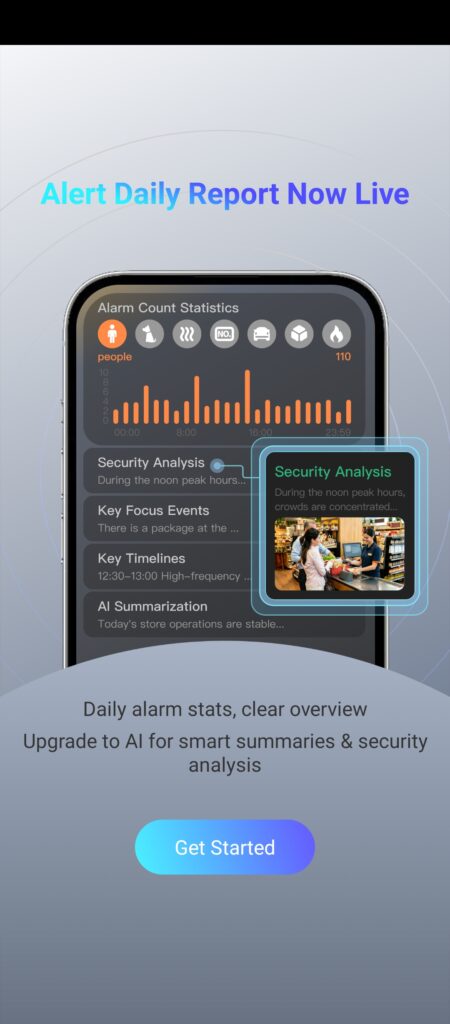
The app itself looks modern enough. Camera controls, playback, motion detection, cloud storage options — everything is there.
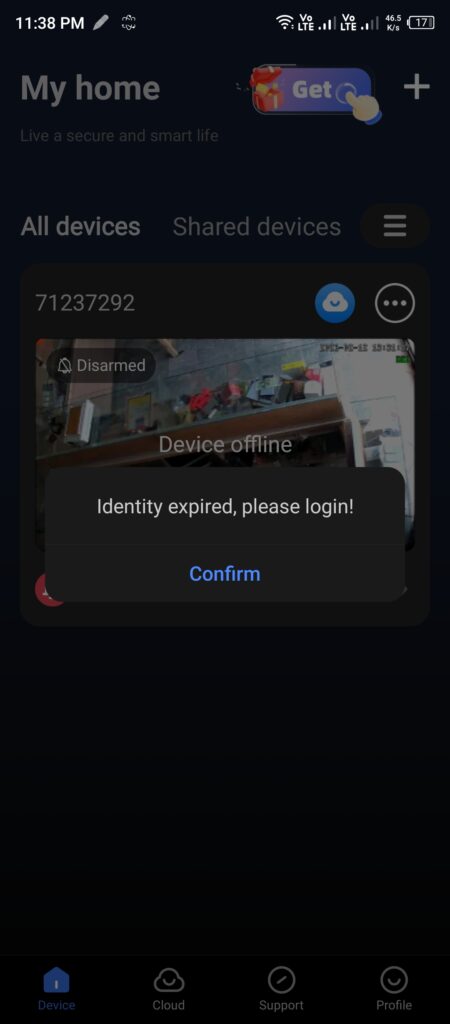
But here’s the thing. Real users across Reddit and app reviews keep repeating the same complaint: setup isn’t always smooth. A lot of people struggle connecting cameras to Wi-Fi, especially with 2.4GHz requirements. Others mention QR pairing randomly refusing to work.
I saw several users basically saying they spent hours trying random fixes before getting lucky.
Once it finally works though? Things get better.
Live camera feeds load fairly fast, PTZ controls work on supported cameras, and motion alerts are actually decent for a budget system. Users who just want simple home monitoring often say the app gets the job done.
What V380 Pro Actually Gets Right
For a free app attached to cheap security cameras, V380 Pro isn’t completely bad.
Features people genuinely like
- Live remote viewing
- Pan and tilt controls
- Motion alerts
- Night vision support
- Two-way audio
- SD card recording
- Multiple camera support
- Cloud backup options
Video quality also gets decent comments from users considering the price category. Some users report running their camera systems for years without major hardware failures.
And honestly, for checking pets, watching a front gate, or monitoring a small shop, it can work fine.
But now we need to talk about the annoying stuff.
The Ad Situation Is Getting Out Of Control
This might be the biggest complaint in this v380 pro Android App Review.
Users are seriously angry about advertisements. Not little banner ads either.
People describe opening the app and getting video ads before viewing camera feeds. Others say even after paying subscriptions they still see promotions.
Think about that for a second.
You hear a weird sound outside.
You quickly open your security app.
And instead of your camera feed… ad time.
That kinda defeats the whole point of a security app. Users have repeatedly called this out as frustrating and even ridiculous.
And yeah… I get why they’re mad.
Playback Bugs Keep Showing Up
Another repeated issue: recordings.
This one appears all over community discussions.
People report:
- SD card recordings disappearing
- Playback timelines not loading
- “No records found” errors
- Cameras showing online but recordings missing
- Timeline bugs after updates
Some users say cameras are recording but the app simply cannot see the footage. Others blame software updates.
For a security app, that’s not exactly a tiny problem.
Because if you’re relying on recordings after an incident… and the footage isn’t there… that’s rough.
Subscription Pushes Feel Aggressive
Look, cloud subscriptions aren’t unusual anymore.
But V380 Pro seems to push them pretty hard.
Multiple users mention locked features, cloud upsells, and features feeling limited unless extra services are purchased. Some users even complained basic functionality felt restricted.
Fast-forwarding, cloud storage, playback improvements — users keep mentioning paid limitations.
Not everyone hates it.
But many definitely do.
Pros and Cons
Pros
- Easy interface after setup
- Good live viewing quality
- Supports multiple cameras
- Motion alerts work fairly well
- Remote access is convenient
- PTZ controls on compatible cameras
Cons
- Ads can be extremely intrusive
- Setup can become frustrating
- Playback bugs happen often
- Recording issues reported
- Subscription pressure everywhere
- Updates sometimes break things
- Support experience feels inconsistent
My Final Thoughts on this v380 pro Android App Review
So where do I land after reading what people are saying?
Honestly… V380 Pro feels like one of those apps that depends heavily on luck.
Some users install it, connect a camera in ten minutes, and never think about it again.
Others spend hours resetting devices while yelling at their router.
The app clearly works for millions of people. But there are enough complaints floating around Reddit, review platforms, and the Google Play Store that I’d be careful before building a serious home security setup around it.
For basic monitoring? Sure.
For something mission-critical? You might want stronger options.
That wraps up this v380 pro Android App Review — and yeah, it’s one of the more confusing apps I’ve looked at lately.
If you have any questions, feel free to visit our Contact Us page.

Hi, I am Muhammad Shahbaz, an Android enthusiast with over 3 years of app testing experience. I review apps on real devices to help you find the best and safest tools for your phone without any fluff.